A registration is a maybe, not a promise. Between sign-up and the event, people forget, double-book or lose the link. An event reminder turns registrations into attendees — here's one for the week before.
General event reminder email
Subject: [Event name] is next [day] — here's what you need
Hi [First Name],
You're registered for [Event name] on [day, date] at [time] [time zone]. We're looking forward to seeing you.
When: [day, date], [start time]–[end time] [time zone]
Where: [venue address or join link]
What to expect: [one line: agenda, speakers, or format]
[Add to calendar link]
Can't make it anymore? Let us know by replying to this email so we can offer your place to someone on the waiting list.
See you there,
[Your Name]
[Company Name]
Event reminders for webinars, in-person and team events
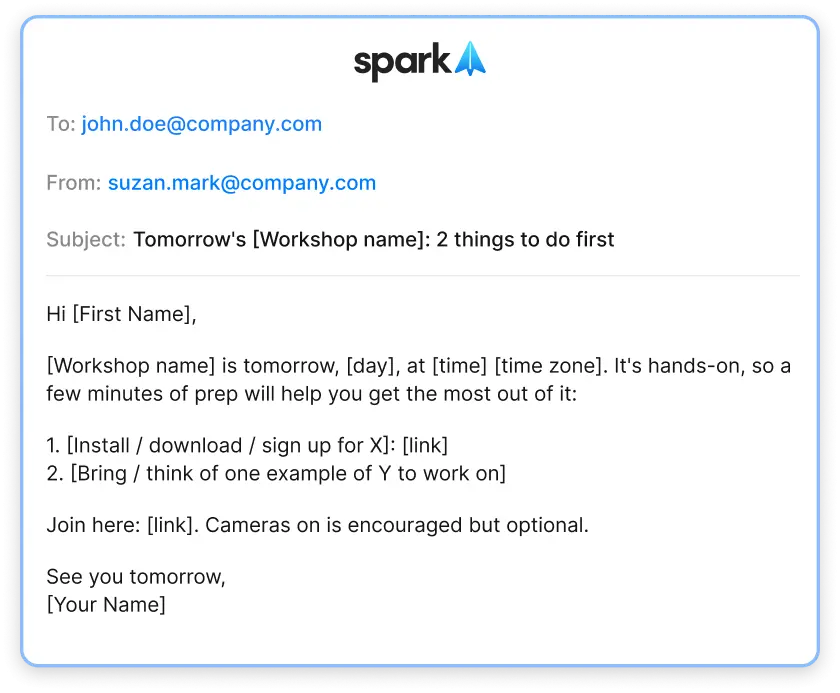
Webinar — starting in one hour
Subject: Starting in 1 hour: [Webinar name]
Hi [First Name],
[Webinar name] starts in one hour, at [time] [time zone].
Join here: [link]
Bring a question for the Q&A — [speaker name] will take as many as we have time for. Can't join live? Registered attendees get the recording within 24 hours.
[Your Name]
In-person event — day before
Subject: See you tomorrow at [Event name]
Hi [First Name],
A few practical details for tomorrow:
- Doors open: [time]
- Address: [full address]
- Getting there: [parking, nearest station]
- Check-in: [bring ticket/ID, or just give your name]
The full agenda is here: [link]. If anything comes up, call [name] on [phone].
See you tomorrow,
[Your Name]
Internal team event
Subject: Reminder: [Event name] on [day] at [time]
Hi team,
Quick reminder that [Event name] is on [day, date] at [time] in [location/link].
[One line: what it's for, or what to prepare.]
If you can't make it, let me know by [day] so I can update the numbers.
Thanks,
[Your Name]
How to write an event reminder email
- Subject line. Event name plus timing ("tomorrow," "in 1 hour," "next Tuesday"). It should work as a reminder even if unopened.
- Key details as a block. When, where, how to join. Put them on separate lines so they're easy to scan.
- One reason to show up. A speaker, a session, a practical benefit. Keep it to a sentence.
- Calendar link. Make adding it to a calendar one click.
- A way to back out. Releasing seats helps you as much as them, and keeps your numbers accurate.
- Timing. One week before, one day before, and — for online events — one hour before.
When to send event reminders, and how many
A common sequence is one week before, one day before and, for online events, one hour before. More than three for a single event starts to feel like spam, so make each one carry new, useful information.
Event reminder or event invitation?
An invitation asks people to register; a reminder goes to people who already have, with the details they need to attend. For the first, use our email invitation template. A message to people who haven't registered is a last-call invitation, not a reminder, so keep the two lists separate and registered attendees won't get pitched again.
Event reminder subject lines
- [Event name] is next [day]
- See you tomorrow at [Event name]
- Starting in 1 hour: [Webinar name]
- Your ticket and directions for [Event name]
- Last chance to add [Event name] to your calendar
- Don't forget: [Event name] on [date]
What keeps people from turning up to events
An event reminder is a logistics email, so treat it as one. For online events, put the join link near the top as a clear button or link. For in-person events, answer the practical questions about parking, entrances, dress code and accessibility before anyone has to ask. With an international audience, give the time in their zone or link to a converter.
Resist the urge to sell again. People have already registered, so skip the pitch and keep the tone of a professional email. And don't rely on a single message: one email a week out is easy to forget, so space out two or three.
When you're running several events, you can write each reminder in one sitting and schedule them with Spark's Send Later. When attendees reply with questions about parking or the agenda, Auto-Drafts drafts the answers for you to review.