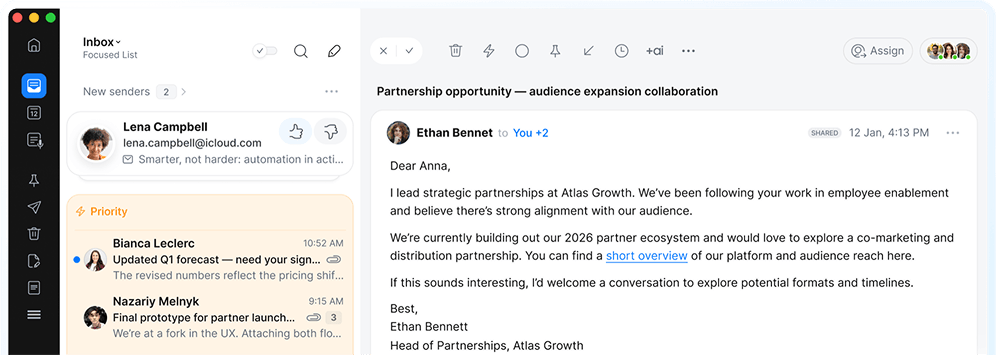
Everything you need to master your inbox
Built to help you focus on what matters and move work forward.
-
Editors' Choice
by Apple
-
21+ million
users worldwide
-
4.8 out of 5
Mac App Store
-
4.6 out of 5
iOS App Store
Reclaim your focus
Focus on what's important, with tools designed to cut out distractions and allow you to dive into deep work.
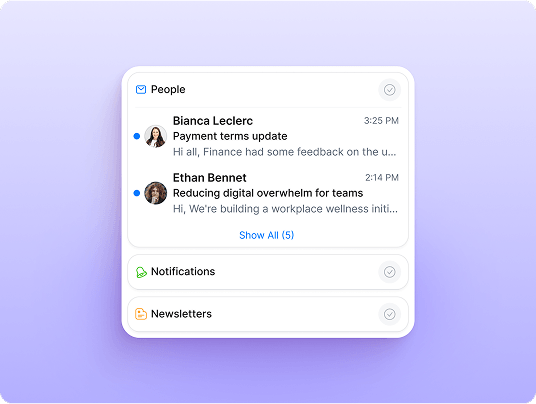
Smart Inbox
Keep emails from real humans separate from your newsletters and notifications.
-
Priority Email
Email from your important contacts sits on top, highlighted.
-
Smart Notifications
Get pinged for real people. Newsletters wait.
-
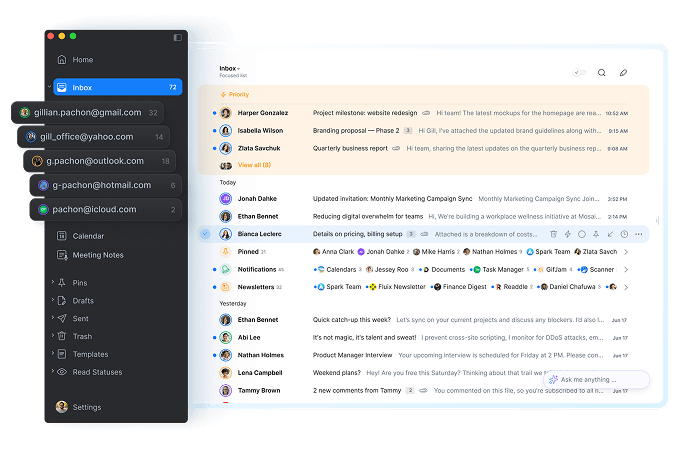
Unified Inbox
Every account in one inbox — or kept separate, your call.
-
Set Aside
Set aside email for a more convenient time.
Refine your workflow
Build better work habits, with tools designed to allow greater control and customization of your workflow.
-
![]()
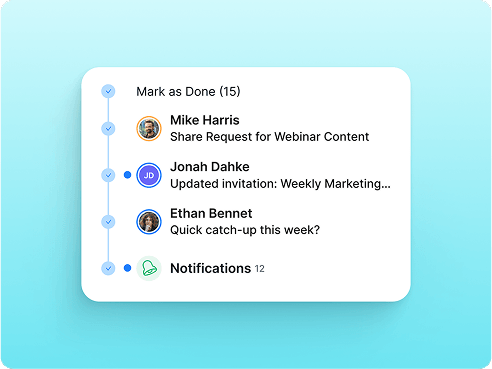
Mark as Done
Email handled? Mark it Done. It stays out of your way unless there’s an update.
-
Swipes and shortcuts
Spark adapts to your workflow, not the other way around. Set up your perfect processing system for every device you use.
-
Templates
Stop rewriting the same email. Save as many templates as you need — customize the parts that change, keep the parts that don’t.
-
![]()
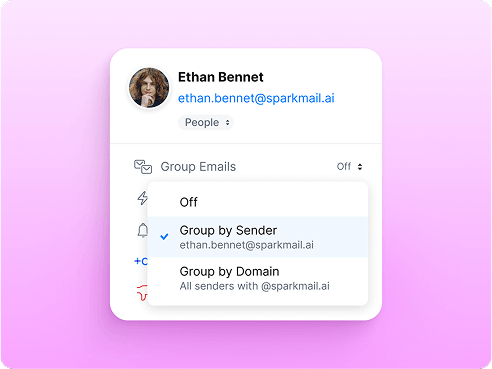
Grouping
Batch emails from the same sender or domain to clean up your inbox and keep things organized.
Remember every meeting
Walk in prepared, walk out with next steps — without taking a single note.
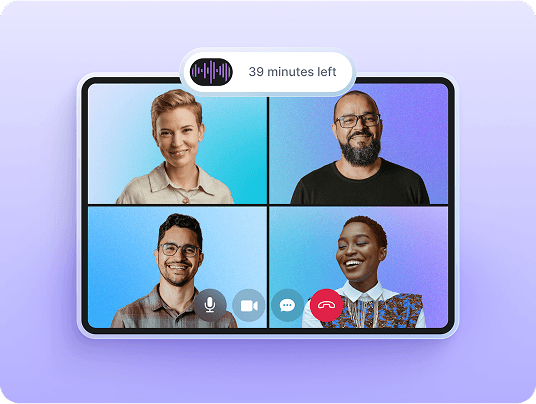
Meeting Notes
Spark transcribes the meeting — no bots joining the call, no recording announcements. Just focused discussion.
-
Calendar
Keep your Google, Exchange, and iCloud schedules aligned.
-
Set deadlines
Put a due date on an email and track where it stands.
-
Action items
Every meeting ends with the points, decisions, and next steps.
-
Share with anyone
Share transcripts and summaries. The private notes stay yours.
The AI inbox that gets work done
AI Assistant pulls answers from every connected account, calendar, and meeting note — in seconds. Stop searching across apps. Start asking direct questions.
-
![]()
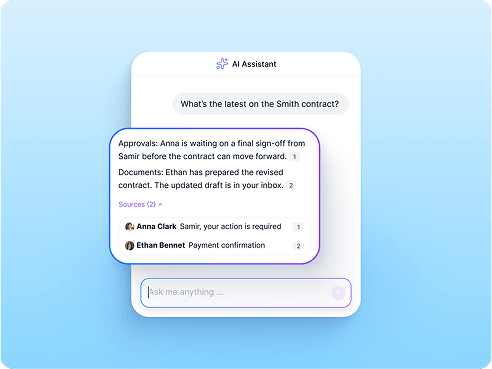
Ask naturally
Ask in plain language. Get the answer — in context — in seconds, with links to the original source.
-
Summarize and clarify
Define key terms and distill long complex communications into action items, so you know exactly what’s needed from you, when.
-
Search everything
Personal, work, shared inboxes — your assistant works across them all, all at once.
-
![]()
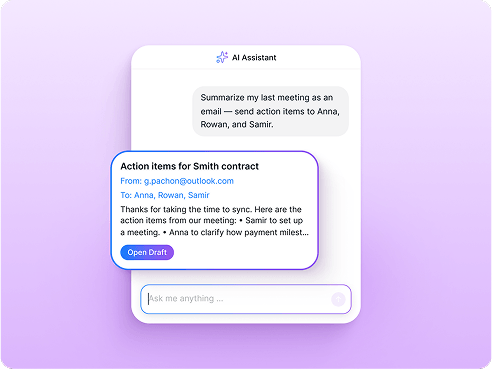
Manage anything
Archive emails, schedule events, draft messages, and more. It’s like having an executive assistant in your inbox.
Plug Spark into your stack
Spark talks to the tools and the agents you already run — on access you control.
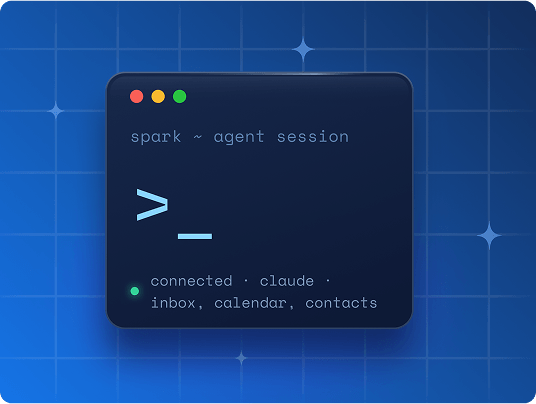
Spark CLI
Connect Claude, ChatGPT, and other AI agents to your inbox — with access on your terms.
-
Integrations
Turn email into tasks and notes in the apps you already use.
-
Search by meaning
Ask in plain words. Spark finds it by meaning, not keywords.
-
Works with agents
Claude, ChatGPT, Cursor and more read your inbox as context.
-
Access control
Read-only by default. Add the right to act when you're ready.
Overall, Spark is a great effort that offers many useful features for those users who are trying to get more control over how they interact with email.

Secure and private email
Spark guarantees security and data privacy. Your data is solely used for product optimization and is never shared with third parties. Data storage and encryption is secured through Google Cloud service.
Manage priorities, not emails