Email your team
can count on
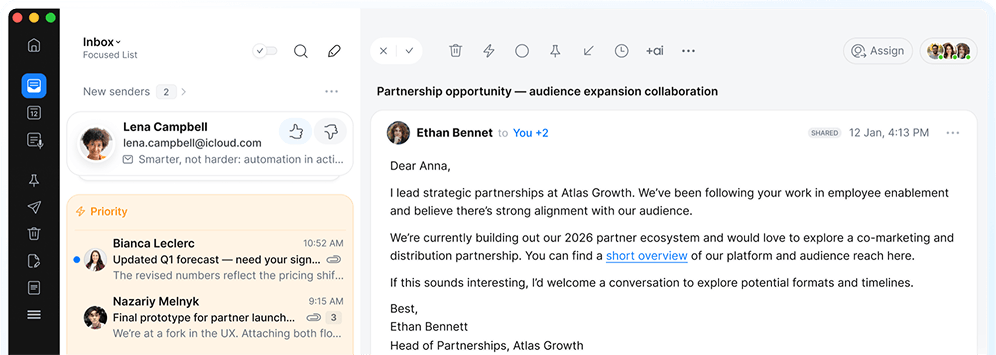
Your business runs on email. Spark keeps your team reliable, accountable, and aligned.
Discuss the email without leaving the inbox
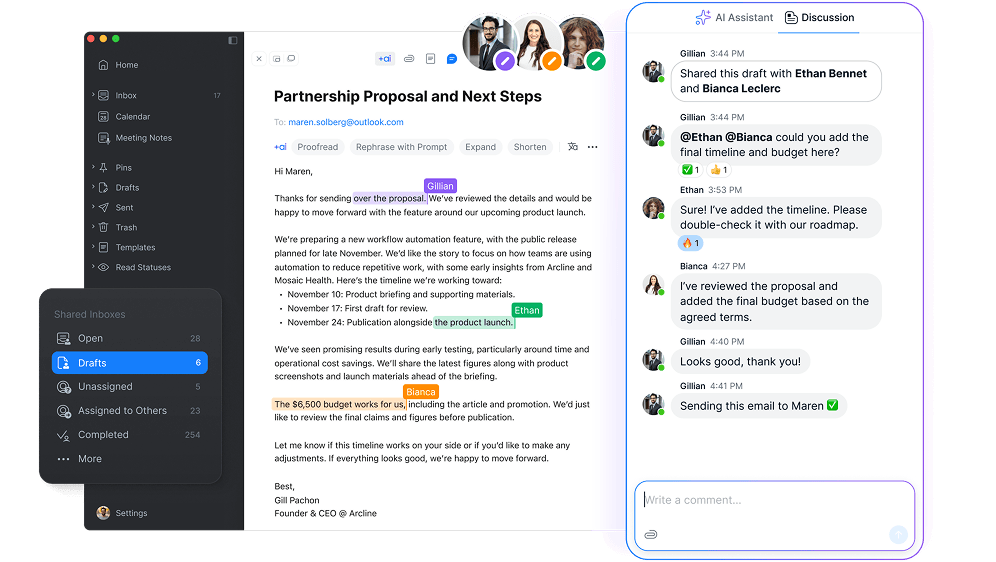
Stop forwarding. Talk with your team — privately — right where the action is.
-
![]()
Comment in context
Add private notes to any email. Your team sees the full picture. The sender sees nothing.
-
Attach resources and files
Drop documents, links, and data into the discussion. Everything stays with the thread.
-
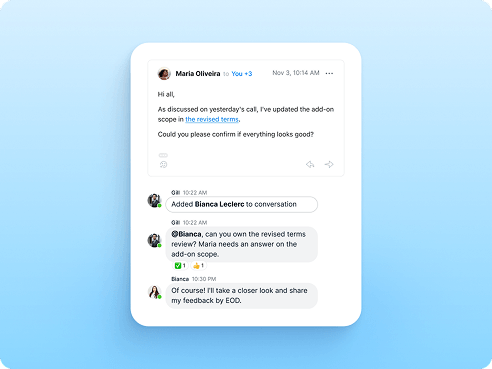
Check in anywhere
Comments stay synced across desktop, mobile, and web, so the conversation is wherever you are.
-
![]()
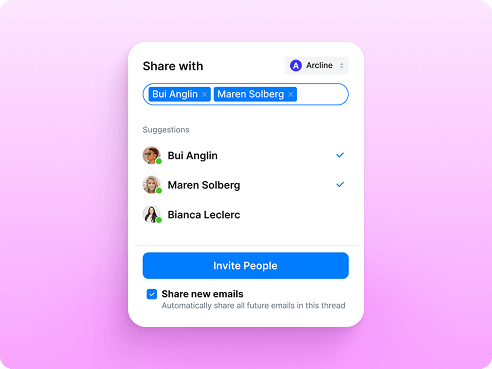
Loop in the right people
Share a thread with the whole team or a select few. No forwards, no lost replies.
Sound like one team
The important emails go out polished, consistent, and on-tone — so your team always sounds like one team.
-
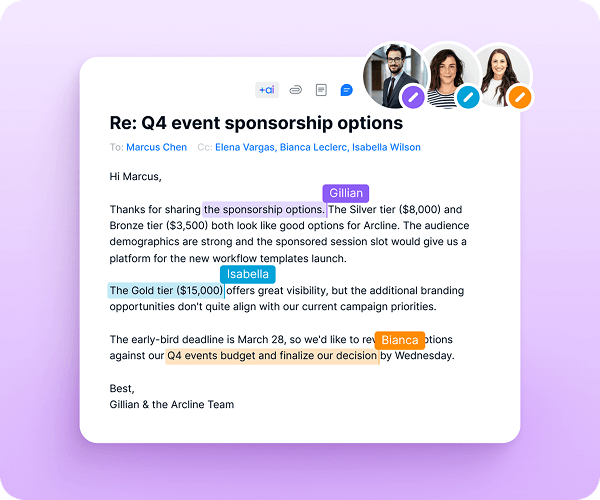
Shared Drafts
Write important emails together, in real time. Get the right eyes on it before it sends.
![]()
-
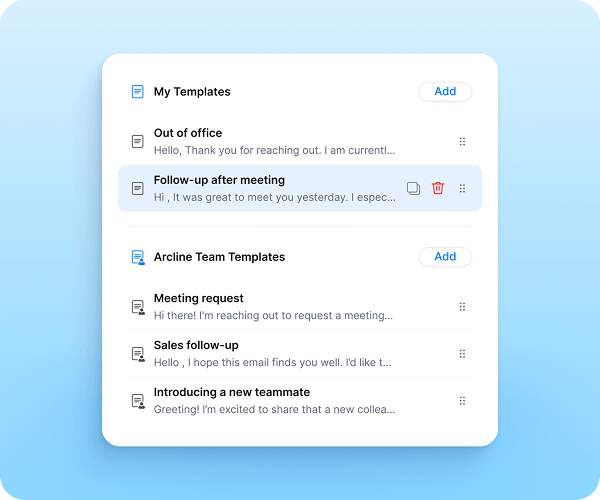
Shared Templates
Common replies, saved once and shared with everyone. The same answer, whoever gives it.
![]()
-
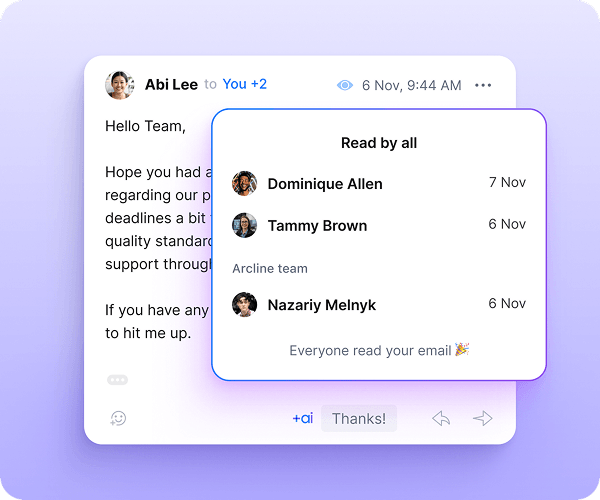
Read Statuses
See when teammates, partners, or clients open your email. No more guessing or nudging.
![]()
One inbox. Clear ownership.
Give your team secure access to support@, sales@, and info@ and manage important communications as a team.
-
Assign every email
See who owns what — no double replies, no silent standoffs.
-
Set due dates
Make sure follow-ups happen on time, not eventually.
-
Track progress
See what's open and what’s handled, without asking around.
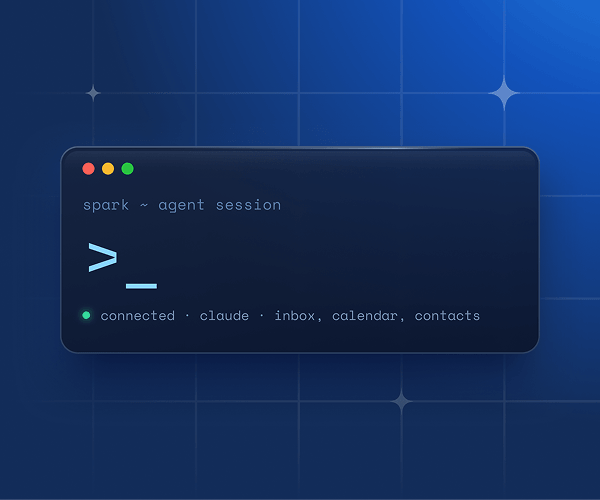
Bring your own Agent
Spark CLI connects Claude, Codex, and other AI agents to your inbox — with access on your terms.
Spark has been a game-changer for us. Our external communication runs through email, and Spark's shared inboxes and assignment features ensure we never drop the ball.
Case studies
-
Read more
How DALI Lab uses Spark to empower student-led innovation
See how DALI Lab keeps 100+ students organized, responsive, and client-ready using Spark for Teams.
-
Read more
How executives use Spark for teams to improve workflow
Igor and his assistant Yana use Spark for Teams to streamline tasks and communication, keeping everything organized and on track.
-
Read more
Case-study: Streamlining freelance projects with Spark
Freelancers need tools that make managing emails and collaborations easy. Spark’s AI templates and smart features helped to streamline the workflow. Learn how Spark can transform your freelance business!
-
Read more
How businesses use Spark to prioritize emails
Running multiple businesses is no easy task, but with Spark for Teams, your company can stay organized and efficient. From prioritizing key emails to integrating with Basecamp, Spark helps him streamline communication and boost productivity. Find out how it can help your team!
-
Read more
Shared templates: How businesses boost efficiency with Spark’s tool
Managing a high volume of bookings and client communications can be challenging, but Spark makes it effortless. Discover how businesses are using Spark to streamline tasks, personalize emails, and stay on top of their game with ease.
Manage priorities, not emails