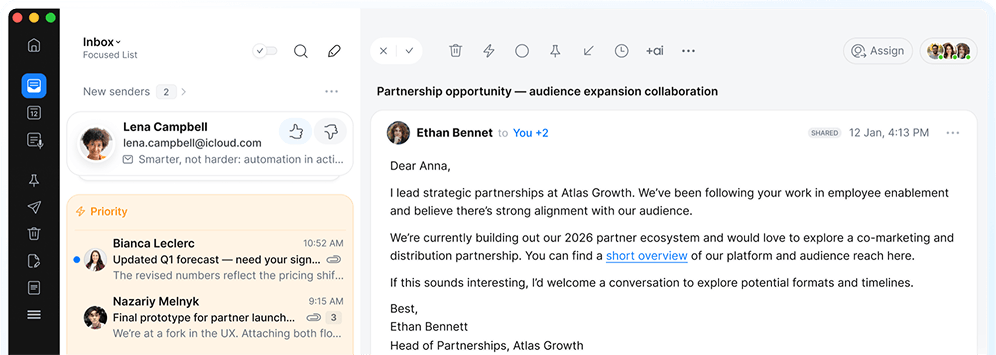
Manage priorities, not emails
Spark takes care of your inbox and calendar so you can focus on decisions, not admin.
-
Editors' Choice
by Apple
-
21+ million
users worldwide
-
4.8 out of 5
Mac App Store
-
4.6 out of 5
iOS App Store
Everyone’s tried to replace email.
No one has.
And for good reason. When there's a decision to make, a commitment to track, or a conversation that can't afford to get lost — it happens in email. Email existed before Spark. But Spark is what it should have been all along.
Own your attention
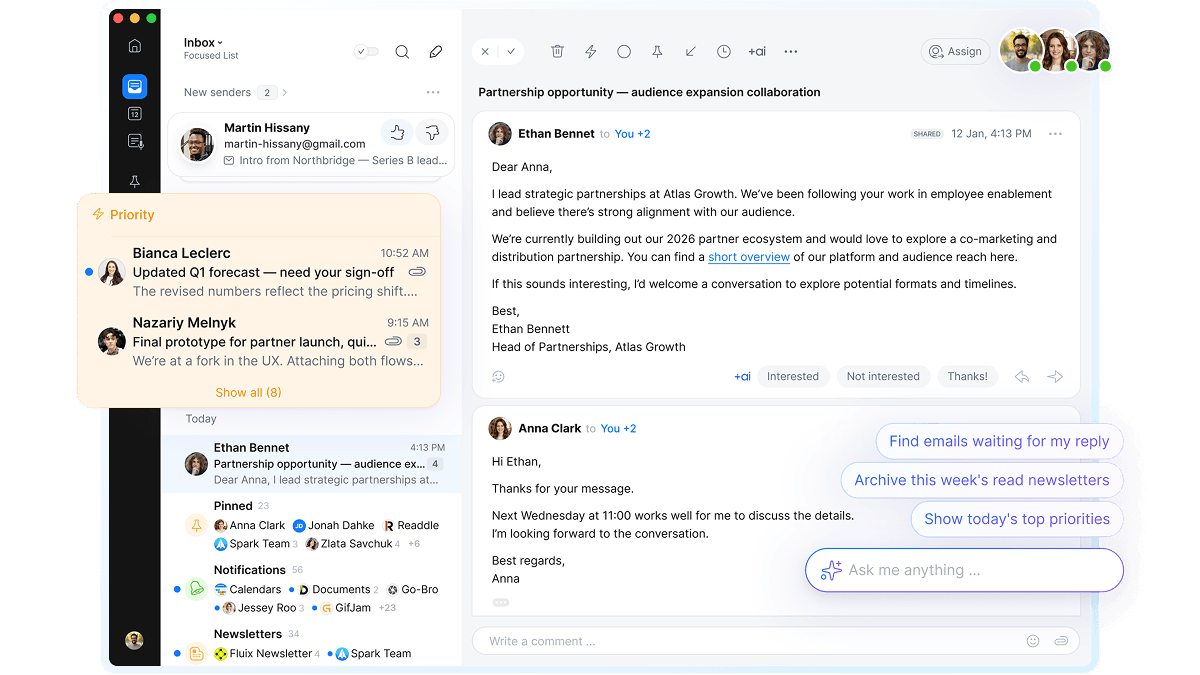
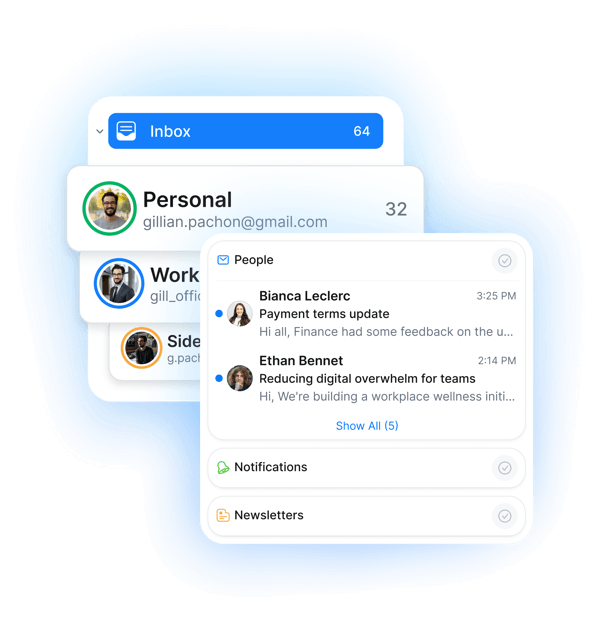
Your inbox is full. Not all of it matters. Spark puts important emails and events in focus — and filters out the rest — so you see what needs attention without scanning everything.
- Bring every account into one inbox.
- Filter out noisy newsletters.
- Prioritize key senders and screen unknowns.
- Pin, snooze, and set reminders.
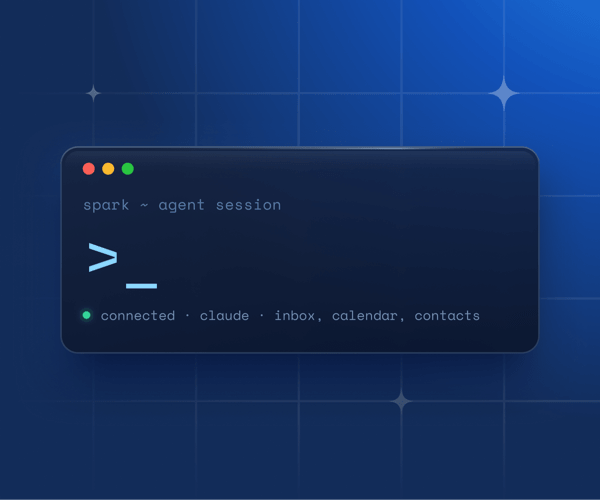
Bring your own Agent
Spark CLI connects Claude, Codex, and other AI agents to your inbox — with access on your terms.
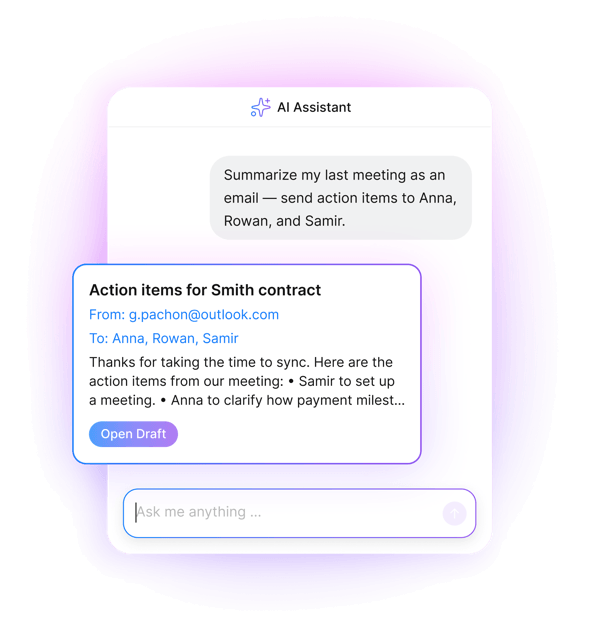
Take back your time
The re-reading. The rewriting. The sorting through 40 emails to find the one that matters. Who wants to do that? Spark handles the repetitive stuff — so you can focus on the work only you can do.
- Organizes your inbox round the click.
- Summarizes long threads and meetings.
- Get ready-to-send drafts in your voice.
- Ask your inbox anything, get instant answers.
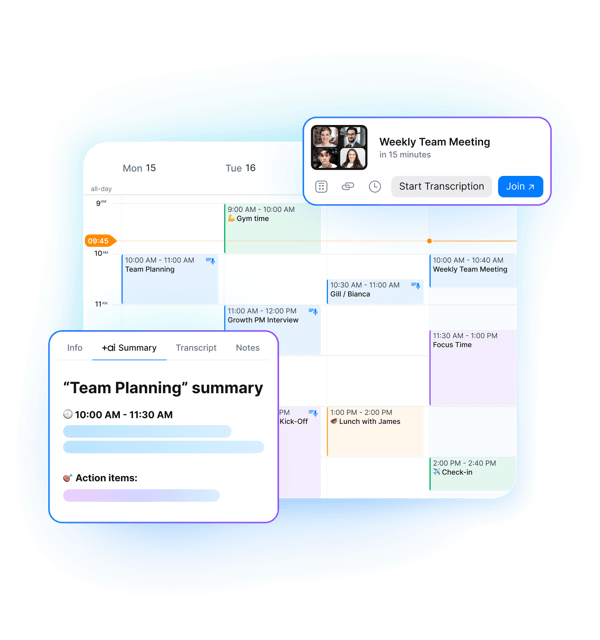
Keep context where it matters
Big topics don’t stay in one thread — they develop over time across emails, docs, and meetings. Most inboxes can’t keep up. Spark can.
- Connect notes, email, and calendar.
- Transcribe and summarize calls.
- Capture decisions and next steps.
- Share notes and to-dos anywhere.
Work better together
Demo requests, support inquiries, project updates — they all rely on email. Spark makes email collaboration work, so you can make sure nothing slips.
-
Discuss emails privately
Put an end to forwarding. Share emails with the team (or a select few) and discuss with connected comments.
-
Track what gets read
Read Statuses show you when team members, partners, or clients open your emails. No more wondering if they saw it.
-
Get input on drafts
Write and polish emails without switching tools. Make changes directly or discuss feedback in a dedicated chat.
-
Collaborate in shared inboxes
Give your team secure access to shared accounts — support@, sales@, info@. View, delegate, and respond together.
Works everywhere you do
Connects to
- Gmail
- iCloud
- Outlook
- Exchange
- YAHOO!
- IMAP
Works across
- Mac
- Windows
- iPhone
- iPad
- Apple Watch
- Android
Connect Spark to the tools you already use
You can transform emails into Asana or Notion tasks, convert them into notes in Bear or Evernote, or share them with the whole team in Slack.
Secure and private email
Spark guarantees security and data privacy. Your data is solely used for product optimization and is never shared with third parties. Data storage and encryption is secured through Google Cloud service.
An inbox you can rely on