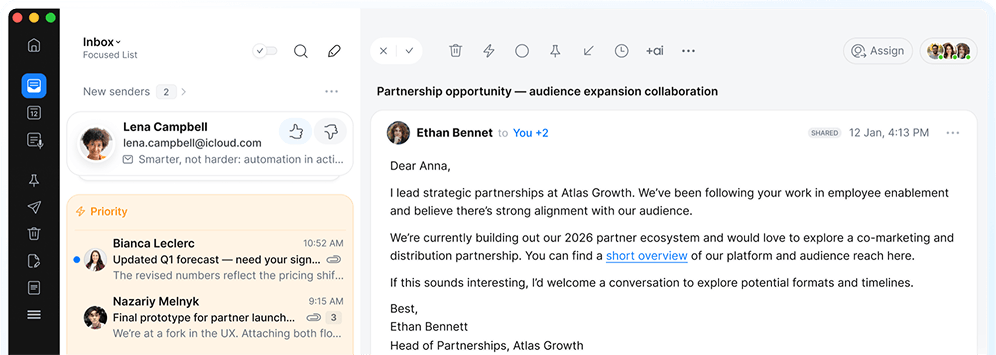
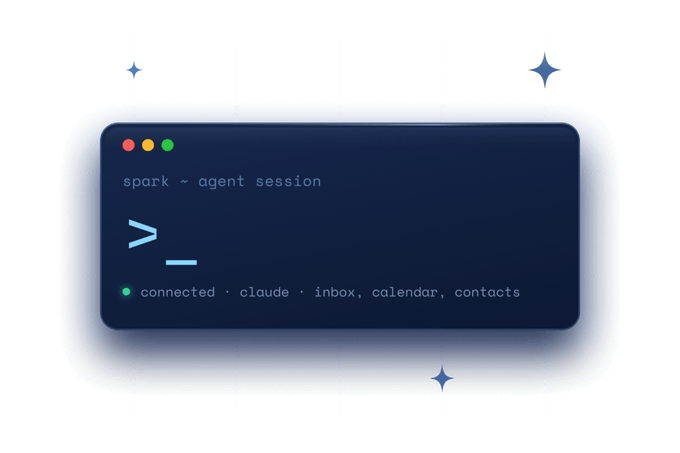
Collaborate with AI agents in your inbox with Spark CLI
Every account. Any agent. Read, draft, and send — your rules, our guardrails.
-
Editors' Choice
by Apple
-
21+ million
users worldwide
-
4.8 out of 5
Mac App Store
-
4.6 out of 5
iOS App Store
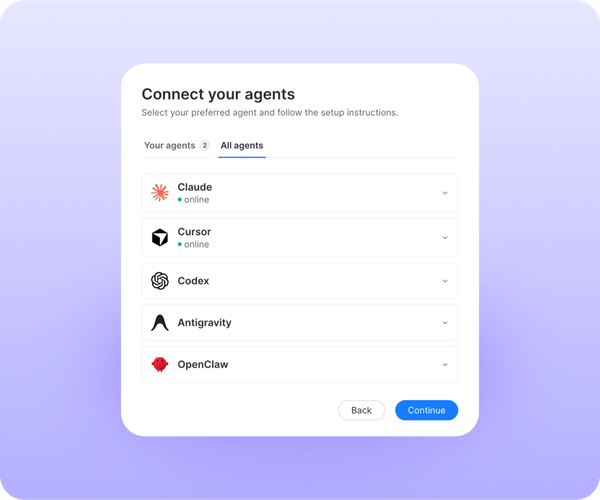
Works with the agents you already use
Connect to Claude, Cursor, Codex, OpenClaw, Hermes, Google Antigravity, Ollama, and more. Available on Mac and Windows.
Agents that read
Free on every plan. Your agent can read and search everything — and change nothing.
-
![]()
Search by meaning
Ask a real question, not the right keyword. Spark knows what matters and what doesn’t.
-
More than email
Calendar, contacts, and meeting notes come too — the whole picture, not just the latest message.
-
One tool, every account
Gmail, Outlook, iCloud, and more — connected once, available together. No separate setup for each provider.
-
![]()
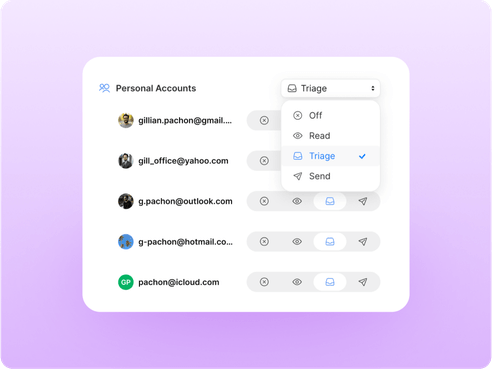
You set the access
Choose which accounts your agent can see. Turn it off whenever you want.
Start with ready-made skills
Adapt our personas and recipes or create your own.
- Exec Assistant
- Founder
- Sales Rep
- Freelancer
- Inbox Zero
- Meeting Prep
- Vacation Catchup
- Stakeholder Brief
See Spark CLI in action
Watch how AI agents can use your inbox context to find answers and get work done.
Agents that act
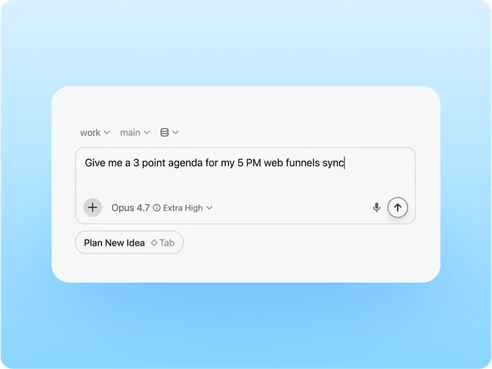
Build an inbox that runs itself. Let agents organize, draft, and send on your behalf.
-
A self-organizing inbox
Archive, label, pin, snooze — the sorting is done before you sit down.
-
Drafts in your voice
Replies, forwards, and edits, written the way you'd write them — ready when you are.
-
Guardrails
Approve each message before it goes, or let your agent send on its own. You set the rules.
-
Automate teamwork
Assign threads to the right person in shared inboxes. Nothing stalls waiting for a forward.
Works with on-device models and cloud
Spark CLI is a local command-line interface. You choose whether to use a cloud model or keep everything local with an LLM. Set per-account agent access levels, while keeping agents separate from your email, events, and meeting notes.
Power up your workflows with Spark