A confirmation email puts what was agreed in writing — the time, the terms, the next step — so nobody has to rely on memory later. Use this one to confirm a meeting or call you've just arranged.
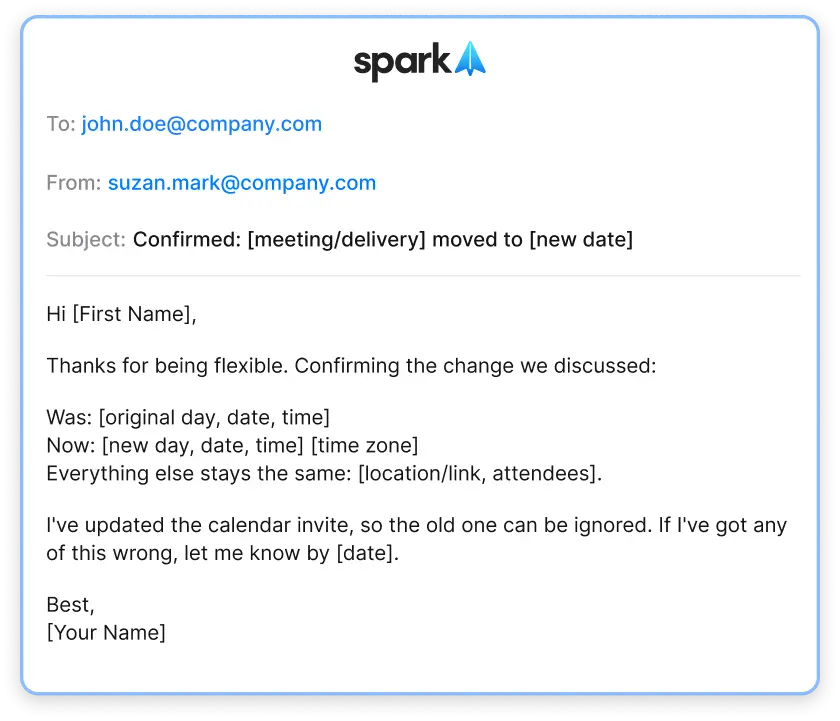
General confirmation email template
Subject: Confirmed: [meeting/call] on [day, date] at [time]
Hi [First Name],
Thanks for making time. Confirming our [meeting/call] on [day, date] at [time] [time zone].
Where: [location or video link]
Who: [attendees]
Purpose: [one line on what you'll cover]
I've sent a calendar invite. If anything changes on your side, just reply here.
Best,
[Your Name]
Confirming agreements, documents and bookings
Confirming an agreement or decision
Subject: Confirming what we agreed: [topic]
Hi [First Name],
Thanks for the conversation today. To make sure we're on the same page, here's what we agreed:
- [Decision or term 1]
- [Decision or term 2]
- [Deadline or next step, with owner]
If I've misunderstood anything, please let me know by [date]. Otherwise, I'll proceed on this basis.
Best regards,
[Your Name]
Need a full recap of the meeting, with notes and action items? Use our follow-up email after a meeting template instead.
Confirming receipt of documents or a request
Subject: Received: [document/request name]
Hi [First Name],
This is to confirm we've received [document/request] on [date].
[Next step: e.g., "We'll review it and get back to you by [date]."]
Your reference number is [number], in case you need to follow up.
Thanks,
[Your Name]
[Company Name]
Booking or reservation confirmation
Subject: Your booking is confirmed — [date]
Hi [First Name],
Your booking is confirmed. Here are the details:
What: [service/room/table]
When: [day, date, time]
Where: [address]
Reference: [booking number]
Need to change or cancel? Reply to this email or call [phone] at least [notice period] beforehand.
We look forward to seeing you,
[Company Name]
How to write a confirmation email
- Subject line. Start with "Confirmed:" or "Confirming" and name the thing. It makes the email easy to find later.
- Lead with the confirmation. First sentence: what you're confirming.
- Key details in a block. Date, time, place, people, reference numbers — each on its own line.
- Agreements as a list. If you're confirming terms, list them. A list is harder to misread than a paragraph.
- A correction window. Invite them to flag errors by a specific date. Silence then means agreement.
- Send promptly. Within a few hours of the conversation, while details are fresh.
Confirmation email or reminder email?
A confirmation is sent when something is arranged; a reminder is sent shortly before it happens. Confirming a job interview? We have dedicated templates for how to respond to an interview request.
Do you need to reply to a confirmation email?
A short "Thanks, confirmed" is good practice when someone confirms an agreement. For automated booking confirmations, no reply is needed.
Confirmation email subject lines
- Confirmed: [meeting] on [day] at [time]
- Confirming what we agreed: [topic]
- Received: [document name]
- Your booking is confirmed — [date]
- Confirmation of [service/request]
- All set for [day]
Where confirmation emails go wrong
A confirmation email works because it's short and specific. Confirm the decisions and next steps, not the whole discussion, and check who needs to see it; reply vs reply all matters here. Include time zones for anything involving people in different places, and a reference number for bookings and requests so follow-ups can be matched.
Send it promptly, because a confirmation sent two days later is less useful and easier to dispute. Always invite corrections by a set date, too. Without that window, a confirmation is just your version of events.
Spark's Calendar sits next to your inbox, so you can check your availability and send the invite without switching apps. Meeting confirmations are exactly the routine reply Spark's Auto-Drafts handles: when someone proposes a time, Spark drafts the confirmation in your voice, ready for you to review.