Most no-shows aren't deliberate — people simply forget, or the time slips their mind. An appointment reminder sent a day or two ahead brings that number down, and gives people an easy way to reschedule instead of not turning up.
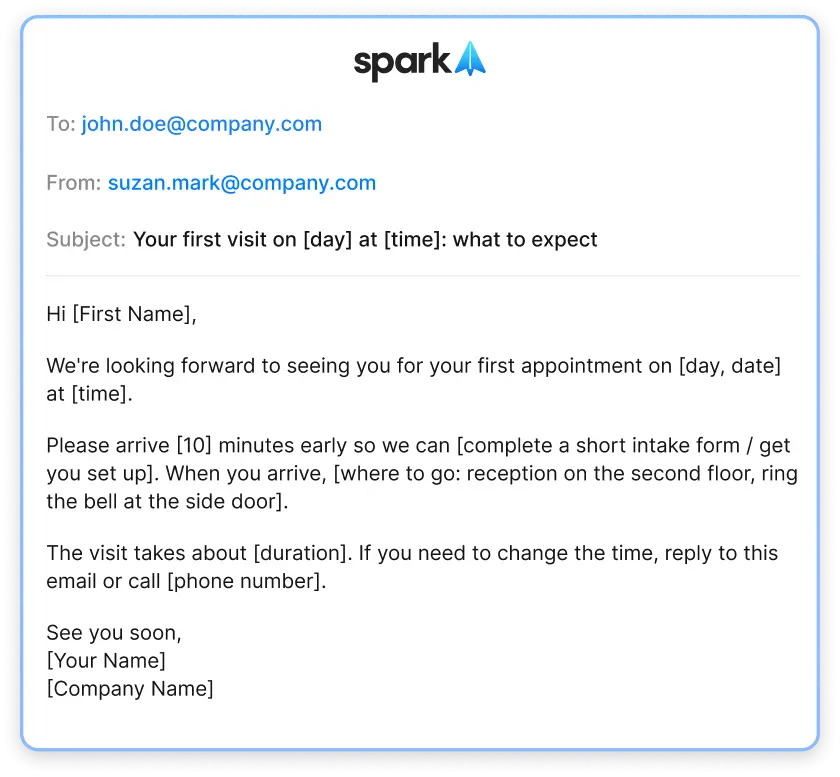
General appointment reminder email
Subject: Reminder: your appointment on [day, date] at [time]
Hi [First Name],
This is a reminder of your appointment with [person or business] on [day, date] at [time] [time zone].
Where: [address, or video link]
What to bring: [documents, items, or "nothing needed"]
If you need to reschedule, please reply to this email or call [phone number] at least [24 hours] before your appointment.
See you then,
[Your Name]
[Company Name]
Appointment reminders for same-day, client and confirmation requests
Short (sent the morning of the appointment)
Subject: See you today at [time]
Hi [First Name],
Just a reminder that we're seeing you today at [time] at [location or link].
Running late or need to move it? Reply here or call [phone number].
[Your Name]
Client meeting (professional services)
Subject: Reminder: our meeting on [day] at [time]
Hi [First Name],
Looking forward to our meeting on [day, date] at [time] [time zone].
We'll cover:
- [Topic 1]
- [Topic 2]
It would help if you could bring or send [documents] beforehand. The meeting link is [link].
If the time no longer works, let me know and I'll suggest alternatives.
Best regards,
[Your Name]
Reminder with confirmation request
Subject: Please confirm: appointment on [day, date]
Hi [First Name],
Your appointment with [person or business] is booked for [day, date] at [time].
Could you reply "Yes" to confirm you're still coming? If we don't hear back by [time/date], we may offer the slot to someone on our waiting list.
Thanks,
[Your Name]
[Company Name]
What to include in an appointment reminder email
- Subject line. Day, date and time. People should be able to act on it from their notification alone.
- The essentials. Who, when (with time zone if there's any doubt), and where — address or link.
- Preparation. Anything they need to bring, complete or do in advance.
- Rescheduling. Make it easy and state the notice period. A rescheduled appointment beats a missed one.
- Policy, briefly. If there's a cancellation fee, mention it in one plain sentence.
- Timing. Send 24–48 hours ahead — a scheduled send means you can write it when you book. For important appointments, add a short same-day reminder.
Should you ask people to confirm, or send a text instead?
Ask for confirmation if you have a waiting list or the slot is valuable; a one-word reply ("Yes") is easy to give. Email is fine for most professional appointments, though a text message tends to get seen faster for same-day reminders.
Reminders work, and the effect is well measured. A BMJ Open meta-analysis of 21 randomised trials found that patients who received a reminder were 25% less likely to miss their appointment (a 15% no-show rate versus 21%), and that sending more than one reminder improved attendance further.
Appointment reminder subject lines
- Reminder: your appointment on [day] at [time]
- See you tomorrow at [time]
- Please confirm: [appointment] on [date]
- Your [service] appointment is coming up
- Reminder: our meeting on [day]
- Today at [time]: [appointment]
Why appointment reminders still lead to no-shows
Most no-shows a reminder could have prevented come down to missing details. Always state the time zone for remote meetings and travelling clients, as you would in any meeting invitation. Put the address or video link in the body of the email, not just in an attached calendar file. And give people a way to reschedule: if the only options are to cancel or not show up, they won't show up.
Timing and length matter too. A reminder a week out is really a confirmation, so send another closer to the time. Keep any policy text short: one sentence on cancellation terms is enough (good etiquette favors brevity), with a link to the full policy.
If you're booking appointments in advance, you can write the reminder now and schedule it with Spark's Send Later so it lands exactly 24 hours before. When clients reply to confirm or ask to move the time, Spark's Auto-Drafts prepares the reply, ready for you to check and send
Related templates
- Reminder email (new)
- Event reminder email (new)
- Confirmation email template (new)
- Reschedule meeting email (new)